 微信登录
微信登录
 QQ登录
QQ登录


螺栓局部剖视工程图建模设计实例
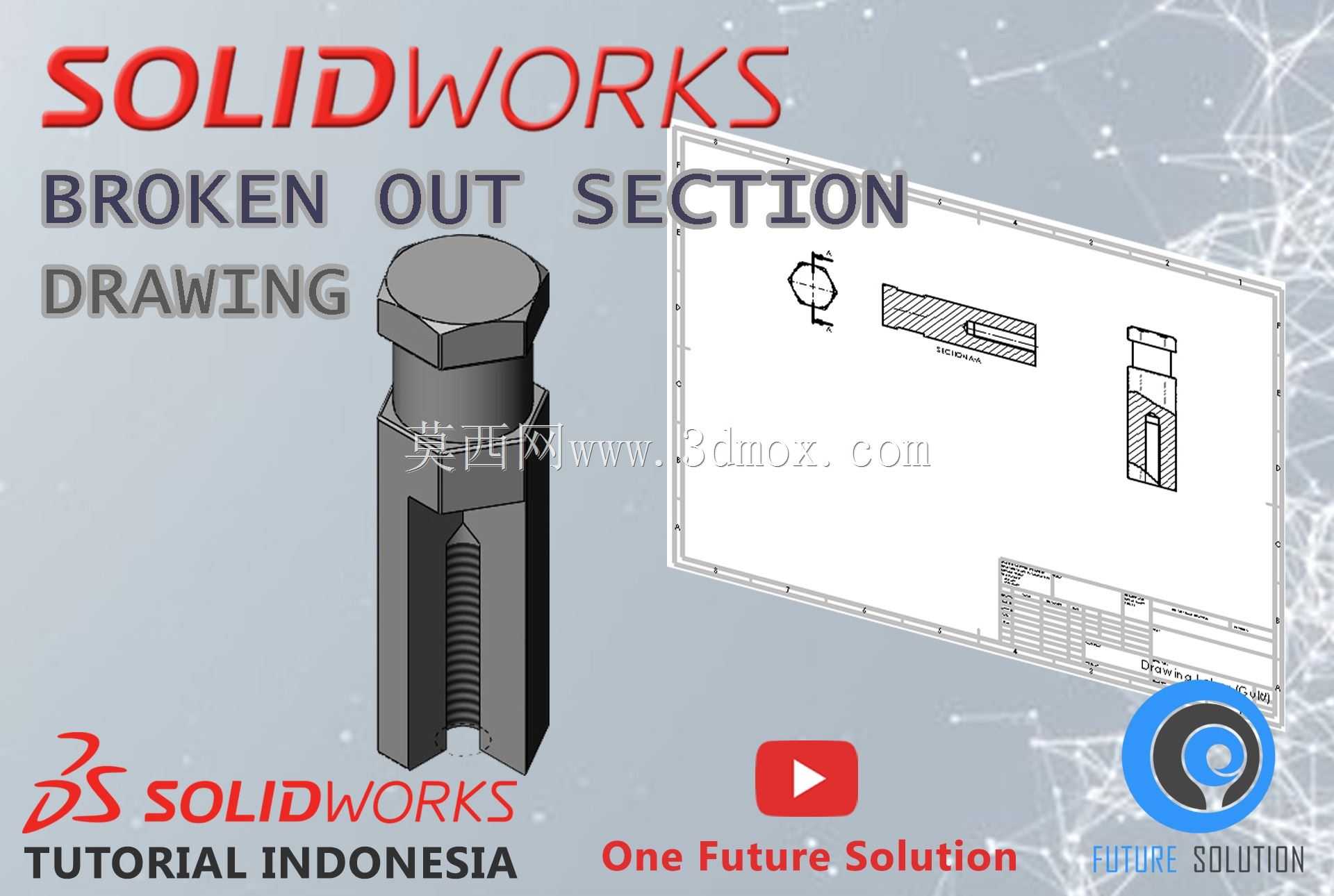
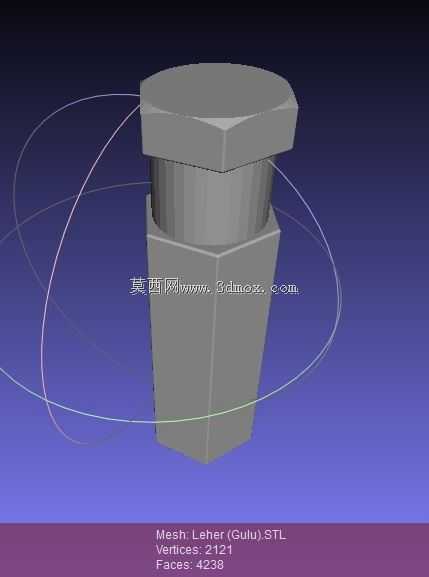
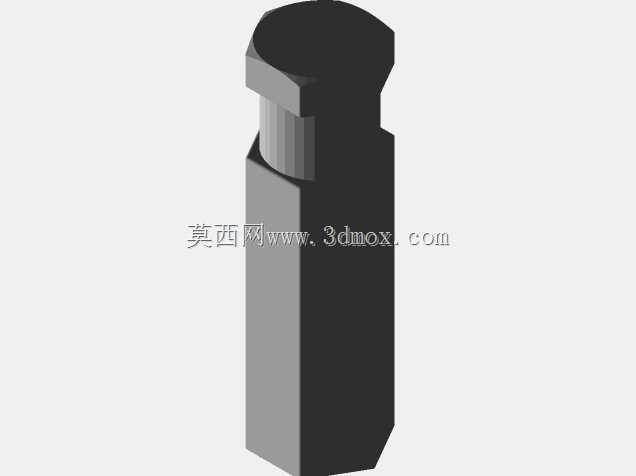
在常规机械结构设计环节,紧固件的工程图表达一直是容易被忽略却直接影响生产装配效率的细节,外六角螺栓作为最通用的螺纹紧固件,广泛应用于钢结构连接、设备机架装配、液压阀组安装、传动部件锁紧等各类工业场景,其工程图的规范表达直接决定了加工端对螺纹深度、六角头厚度、螺杆光杆段长度等关键尺寸的读取准确性。本次设计围绕外六角螺栓的断开剖视图表达展开,核心是解决常规全视图无法同时展现外部六角轮廓、内部螺纹啮合结构、螺杆端部倒角细节的痛点,在建模阶段先完成螺栓实体的全参数化搭建:先绘制六角头的外接圆轮廓,拉伸得到标准厚度的六角头部,在头部下端做45度工艺倒角避免装配时刮伤连接件表面,随后拉伸螺杆光杆段,光杆直径匹配螺纹大径尺寸,
在光杆端部做对应标准的倒角,再通过螺旋线扫描切除的方式生成内螺纹段?不对,是螺栓的外螺纹结构,螺纹段长度根据常用螺栓的标准旋合长度设定,保证装配时至少有3-5个完整螺纹牙型参与啮合,避免螺纹滑牙失效。在工程图生成阶段,采用局部断开剖视的表达方法,不需要对整个螺栓做全剖,仅在需要展示内部螺纹啮合、螺杆与螺母配合间隙的位置做局部剖视边界,用样条曲线绘制剖视范围,剖视区域内的螺纹牙型按照机械制图标准绘制,大径用细实线、小径用粗实线,剖面线区域避开实心杆件的非剖部分,符合国标对紧固件剖视图的绘制规范。设计过程中需要注意剖视位置的选择,要刚好覆盖螺纹旋合的核心区域,同时保留螺栓头部的完整外形视图,
让读图者可以同时获取外部安装尺寸和内部配合结构信息,不需要在多个视图之间来回切换查找尺寸。安装边界层面,这类螺栓的六角头对边尺寸、头部厚度都严格遵循通用五金配件的标准公差范围,建模时预留的装配间隙符合常规通孔安装的公差要求,剖视图标注的螺纹深度、光杆长度尺寸可以直接用于采购和加工校验,避免现场装配时出现螺栓过长顶到连接件内壁、或者螺纹旋合长度不足导致连接失效的问题。在实际车间生产场景中,这类带局部剖的螺栓工程图可以直接用于新员工的制图培训,也可以作为紧固件类零件工程图绘制的标准参考模板,帮助设计人员快速掌握断开剖视图的绘制逻辑,减少工程图的错漏标问题,提升整个设计流程的出图效率,同时保证生产端拿到图纸后可以快速识别所有关键尺寸,不需要反复和设计部门确认结构细节,降低沟通成本。

- 全部评论(0)

- 模板大小: 719.62 KB
- 售价:5金币
- 下载次数: 24
- 系统要求: Other,Rendering,OBJ
- 软件分类: 通用五金配件